A web trader that keeps the rules in view
Traders see the chart, the ticket and their positions next to their challenge rules, so they always know how far equity is from the target and from each floor. It runs in any modern browser, in light or dark, on a desk or on a phone.
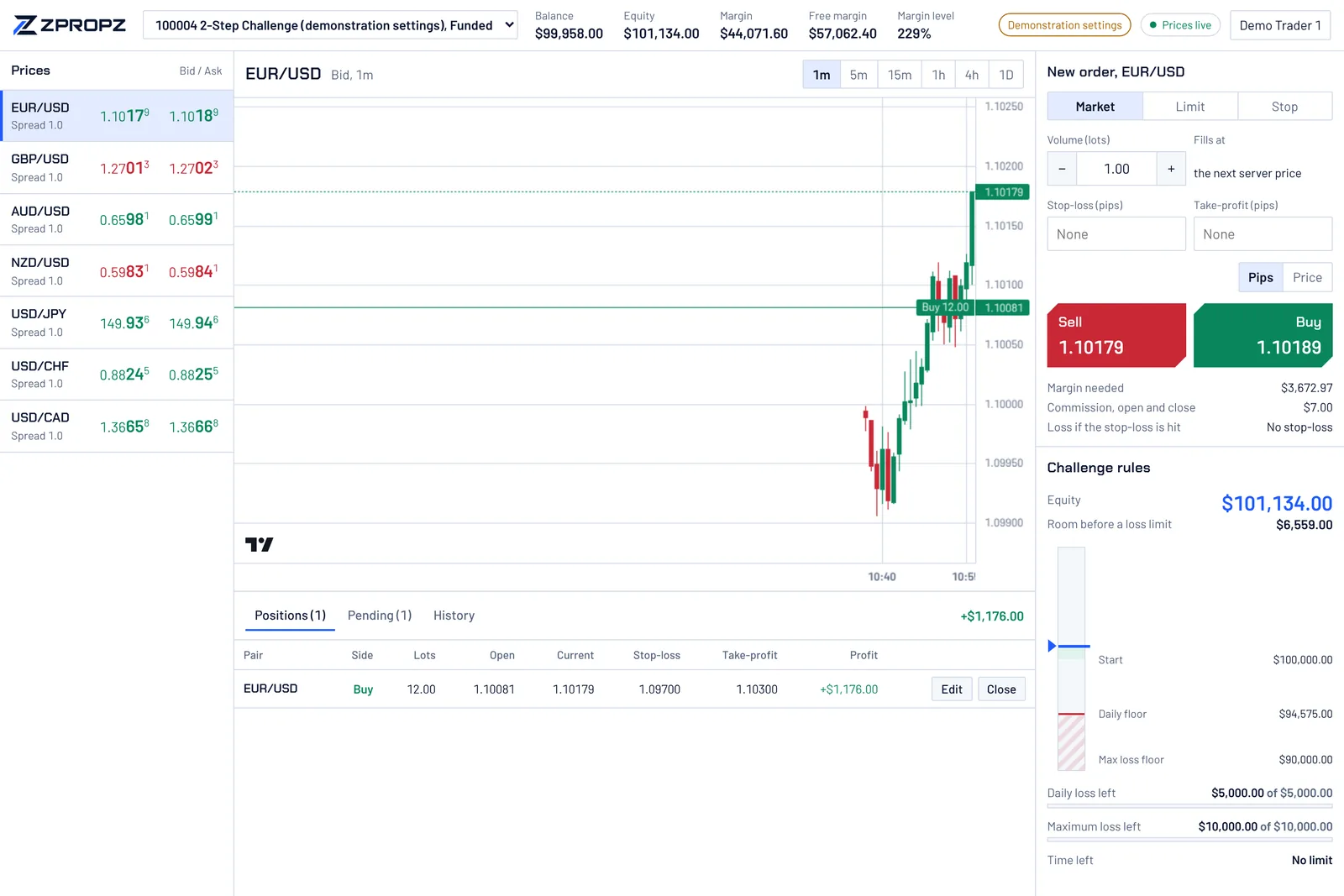
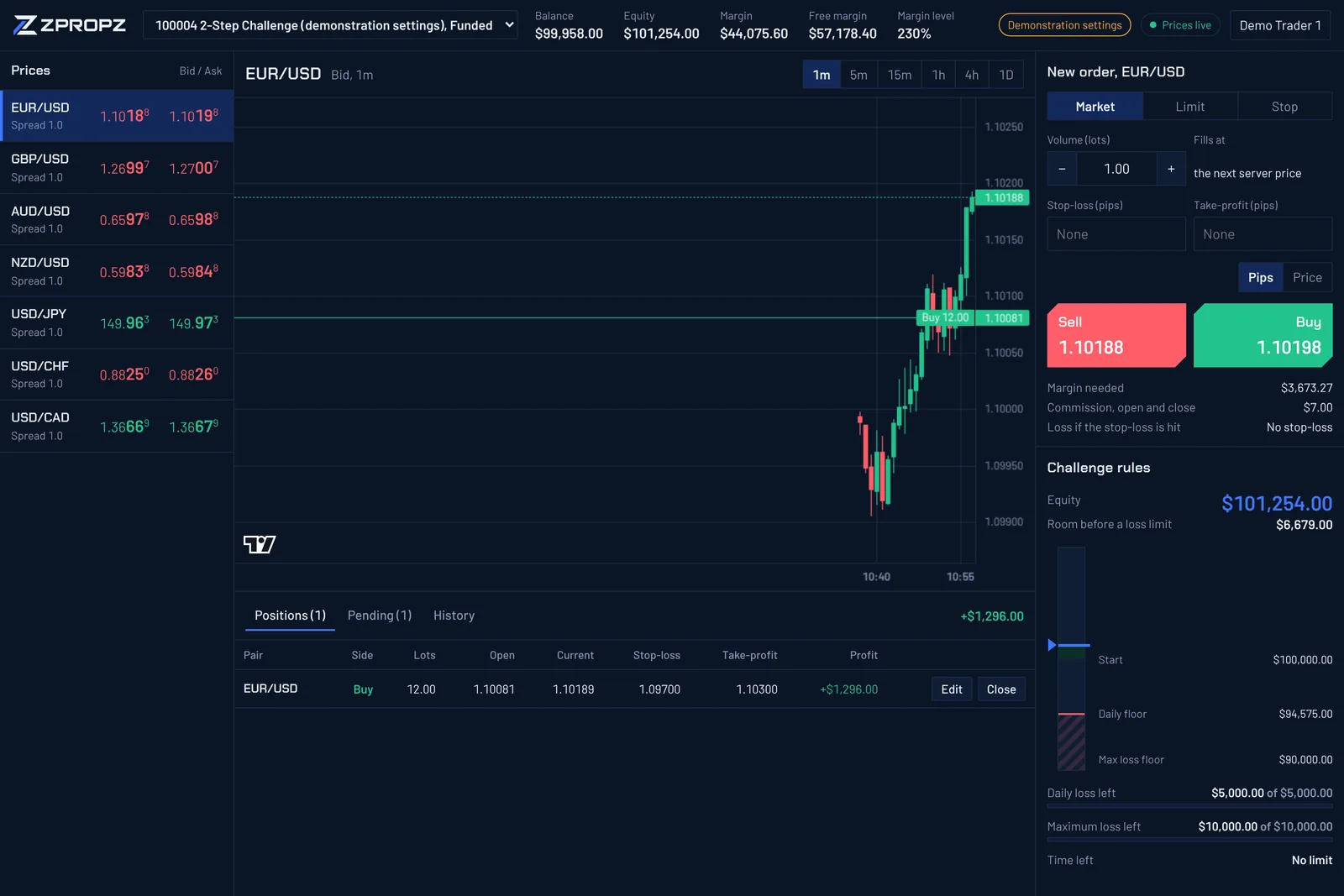
- Chart and watchlist
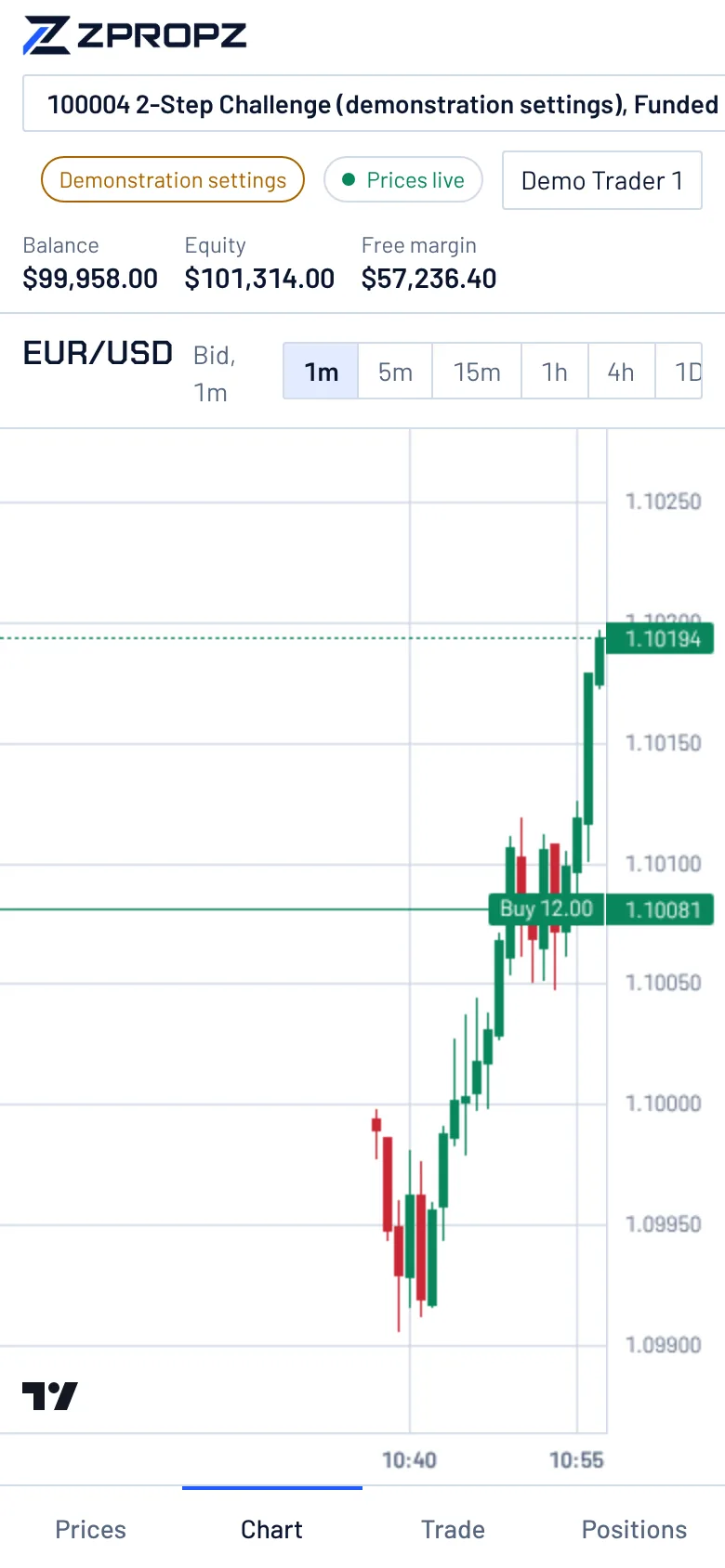
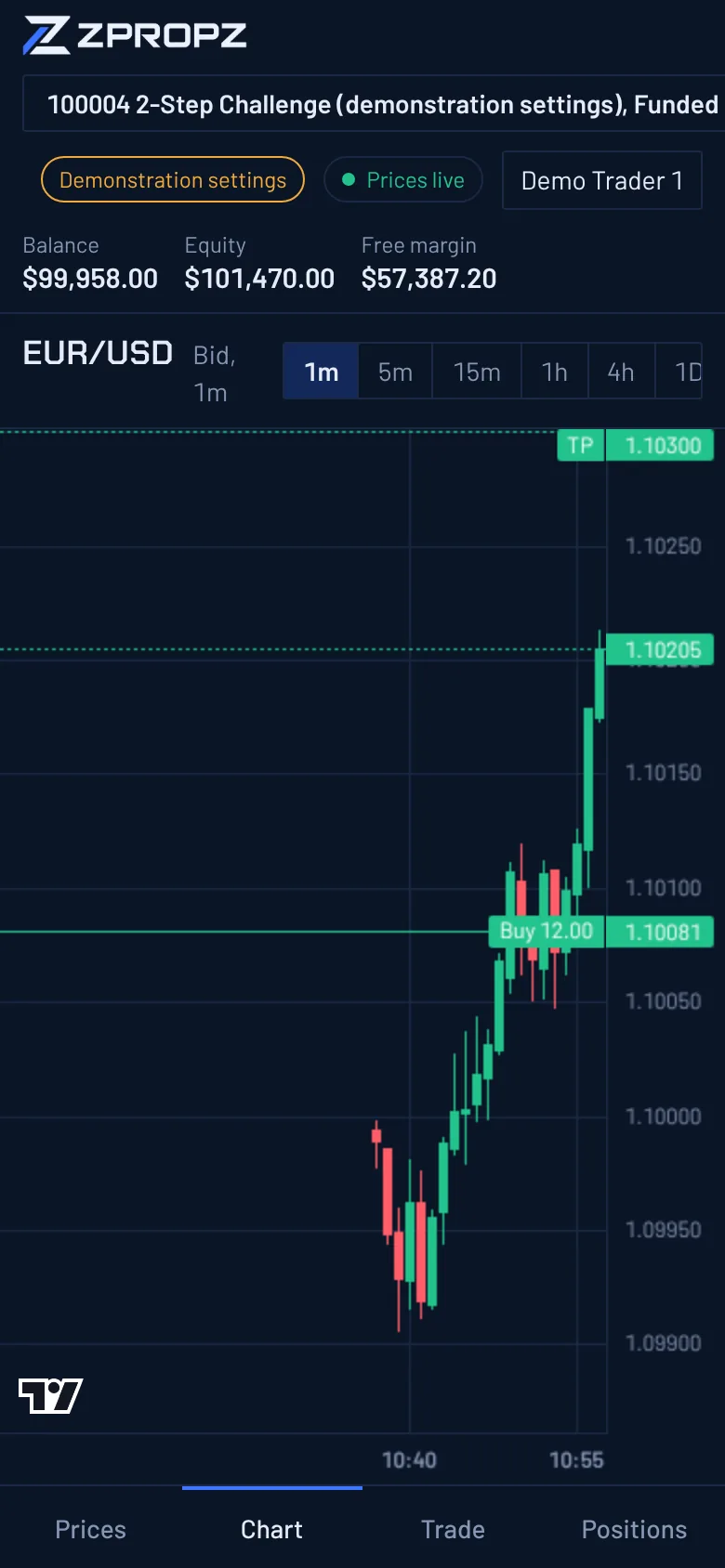
A live chart for each of the seven pairs, with timeframes from one minute to one day. The watchlist shows bid, ask and spread as they change.
- Order ticket
Market, limit and stop orders with stop-loss and take-profit in pips or as a price. Before an order is placed, the ticket shows the margin it needs.
- Positions and orders
Open positions with live profit and loss, pending orders, and history. Edit stop-loss and take-profit, close a position or part of it, cancel an order.
- Rules panel
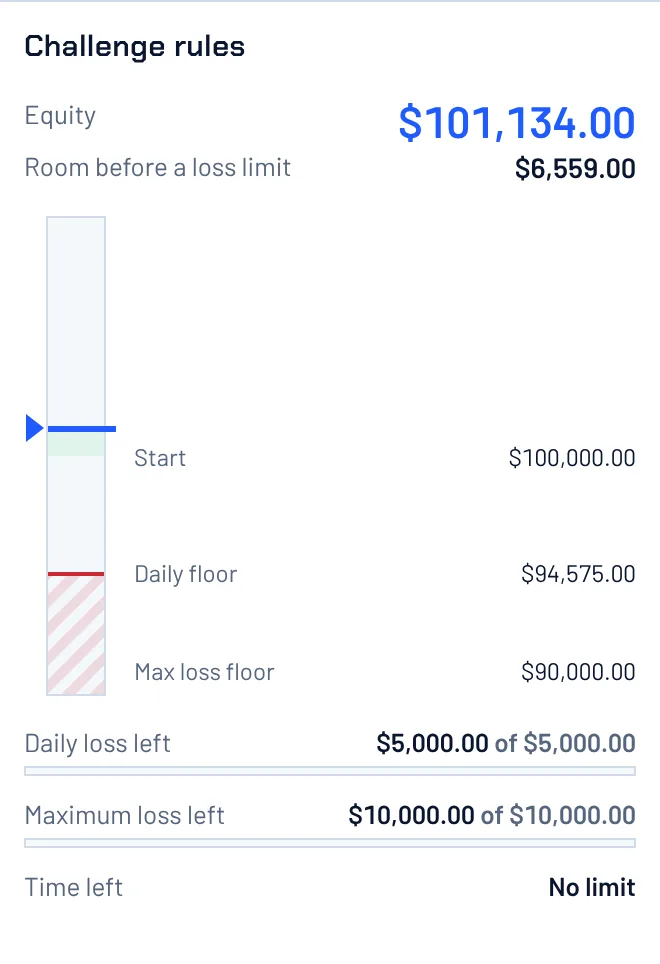
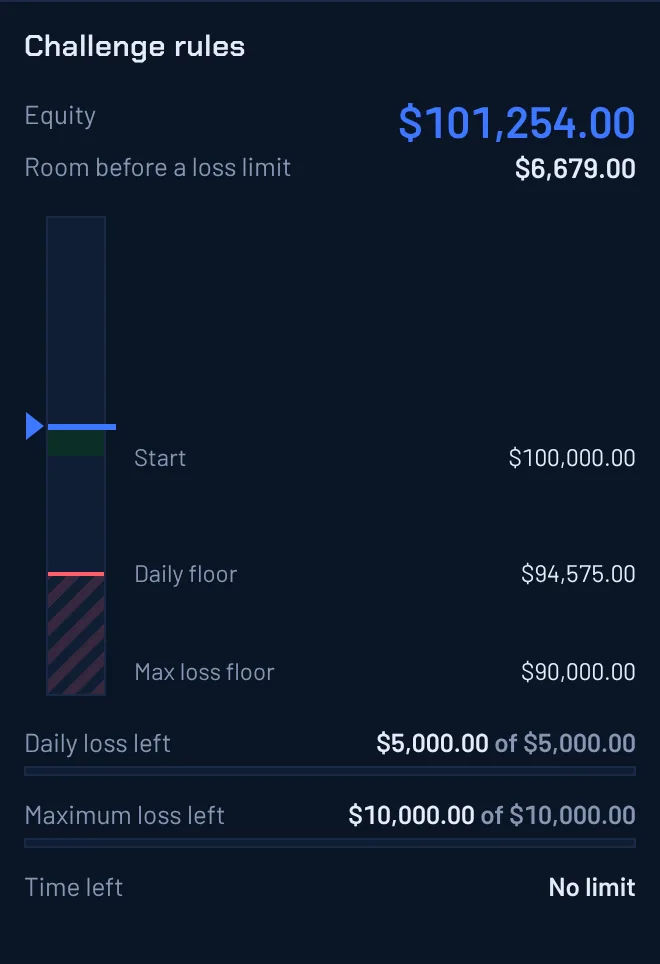
Equity on a ladder against the profit target, the starting balance, the daily floor and the maximum loss floor, with what is left of each allowance.
- Reconnects cleanly
If the connection drops, the trader shows that it is reconnecting, then loads a fresh snapshot of the account. It never keeps showing a position that has closed.
- When prices stop
If the price feed stops, the trader says so and the Buy and Sell buttons are switched off until fresh prices arrive.
- All of a trader's accounts
Challenge, funded and competition accounts sit side by side, and the trader switches between them in one place.
- Phones and computers
The trader follows the device's light or dark setting, and traders can pin one. The same screens work in a phone's browser, and they install from the browser as an app with its own icon. Apps in the phone app stores are planned.
The limits, always on screen
The rules panel sits beside the chart. Equity moves on a ladder between the floors, and the panel shows how much room is left before each limit and how much time is left in the phase.
On a phone, the same trader splits into prices, chart, trade and positions.