A back office that can prove what happened
Staff run the firm from one place: accounts, clients, challenges, orders, refunds, payouts, risk flags, reports, growth tools, emails, the team and the audit log. Overrides, payout and refund decisions and challenge changes each need a reason, and staff actions go in the audit log.
Accounts
Every trading account, and the proof behind it.
- Accounts monitor
Every account by stage (active, funded, closed) and outcome, with search by login or email.
- Account detail
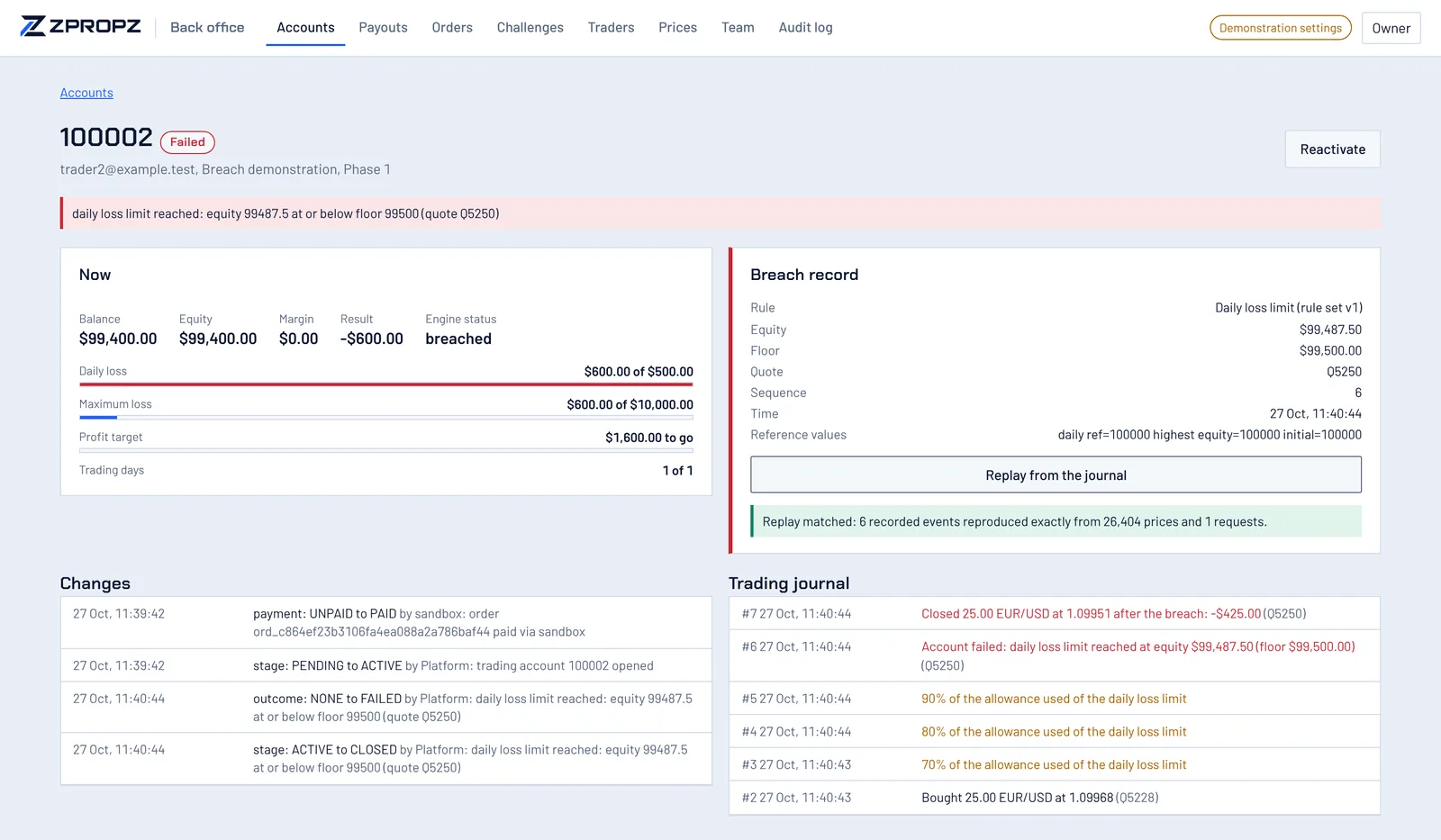
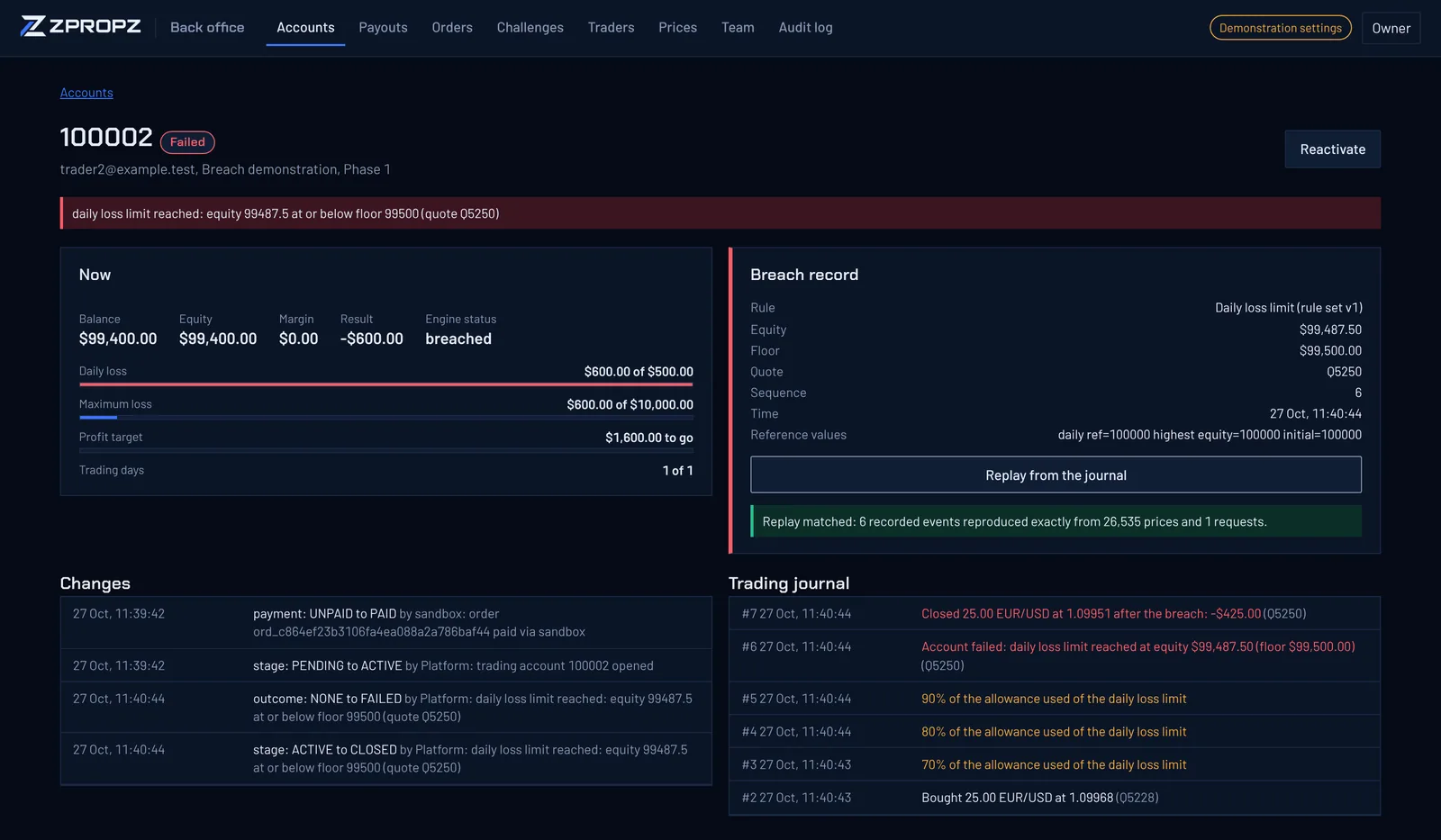
Current figures, the full list of changes and the trading journal. For a failed account, the breach record: rule, rule-set version, equity, floor, price ID, sequence number and the reference values.
- Replay from the journal
One button rebuilds the account from its journal and checks every recorded event against the rebuilt one. It reports a match, or exactly where the two differ.
- Staff overrides
Reactivate an account, extend its trading period, or close it. Each override needs a reason and goes on the account's record.
Clients
Each client in one place, with the evidence staff need to make decisions.
- Client records
Each client's accounts, orders, payouts and certificates in one place, with who referred them, if anyone. Staff find clients by email, name or trading login.
- Sign-in history
When the client signed in, from which address and with which browser.
- Identity-check status
Set by the identity check, or by staff with a reason. Every change is in the audit log.
- Staff notes
Notes on a client can't be edited or removed once written.
- Refunds by two people
One staff member asks for a refund, with a reason. A different one sends it and records the reference. Every account from that challenge then closes at once. A challenge that already has a payout request can't be refunded.
- Risk flags
Over the last 30 days: clients signing in from the same address or the same browser; two clients opening the same trade, or opposite trades, at the same moment, again and again; many trades held only seconds; and trades opened or closed around news times that staff enter.
Flags are evidence for a person to judge. Nothing is blocked or decided automatically.
- Reports
For any period: sales and refunds by challenge, pass rate per phase, payouts paid, and breaches by rule.
Payouts need two different people
- The trader asks for a payout. Trading on the account pauses and the profit is reserved.
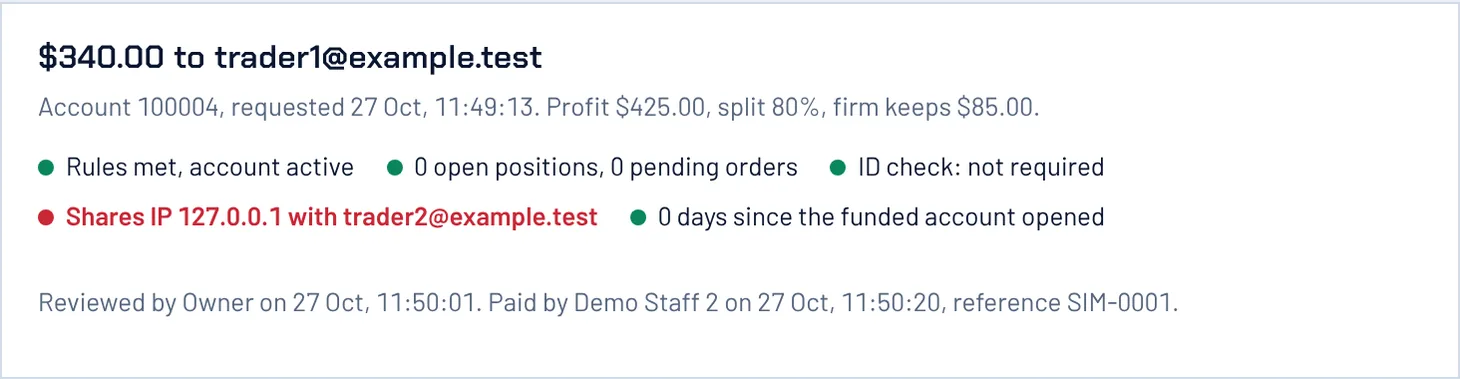
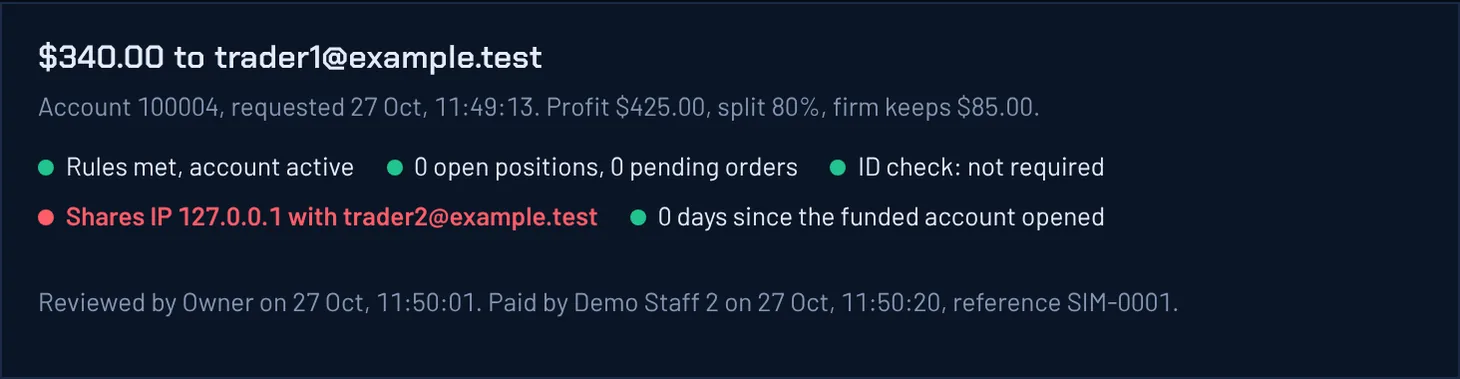
- The queue checks the request on its own: the rules are met, nothing is open, shared IP addresses, the client's identity-check status and any risk flags.
- One staff member approves or rejects it, with a reason.
- A different staff member records the payment and its reference. The platform refuses if the same person tries: anything that moves money needs two people.
- The balance is adjusted through ledger entries for the trader's share and the firm's share, trading resumes, and a payout certificate is issued.
Running the firm
Challenges, sales, growth tools, emails and the team.
- Challenge editor
Phases, rules, sizes, payout schedule, identity checks and copying. Saving creates a new version; accounts already sold keep theirs. Challenges can be put on sale or taken off.
- Orders
Every purchase and its state, with its discount code and add-ons. Staff confirm bank transfers here, with the payment reference.
- Growth
Discount codes and add-ons, affiliates with their own payout queue, and trading competitions. Every change is in the audit log. More on growth tools
- Copy trading
Every strategy and every copy. Staff can hide a strategy from the board or stop a copy, with a reason. More on copy trading
- Emails
The wording of every email the firm sends, which ones are switched on, and every email sent or waiting.
- Team and audit log
Add staff members. The audit log shows who did what, when, with the record before and after.
- Settings
API keys, webhooks and the firm's branding. More on the API and white-label
- Prices
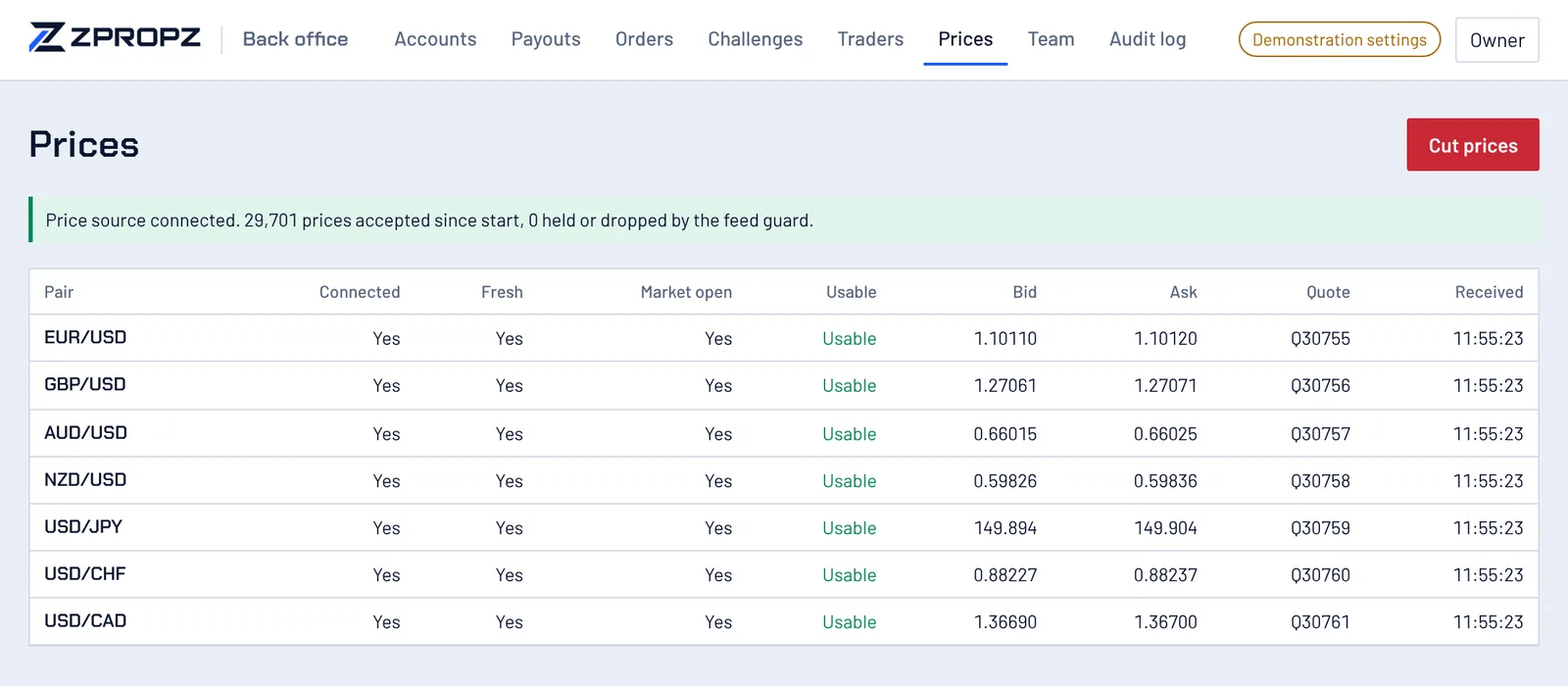
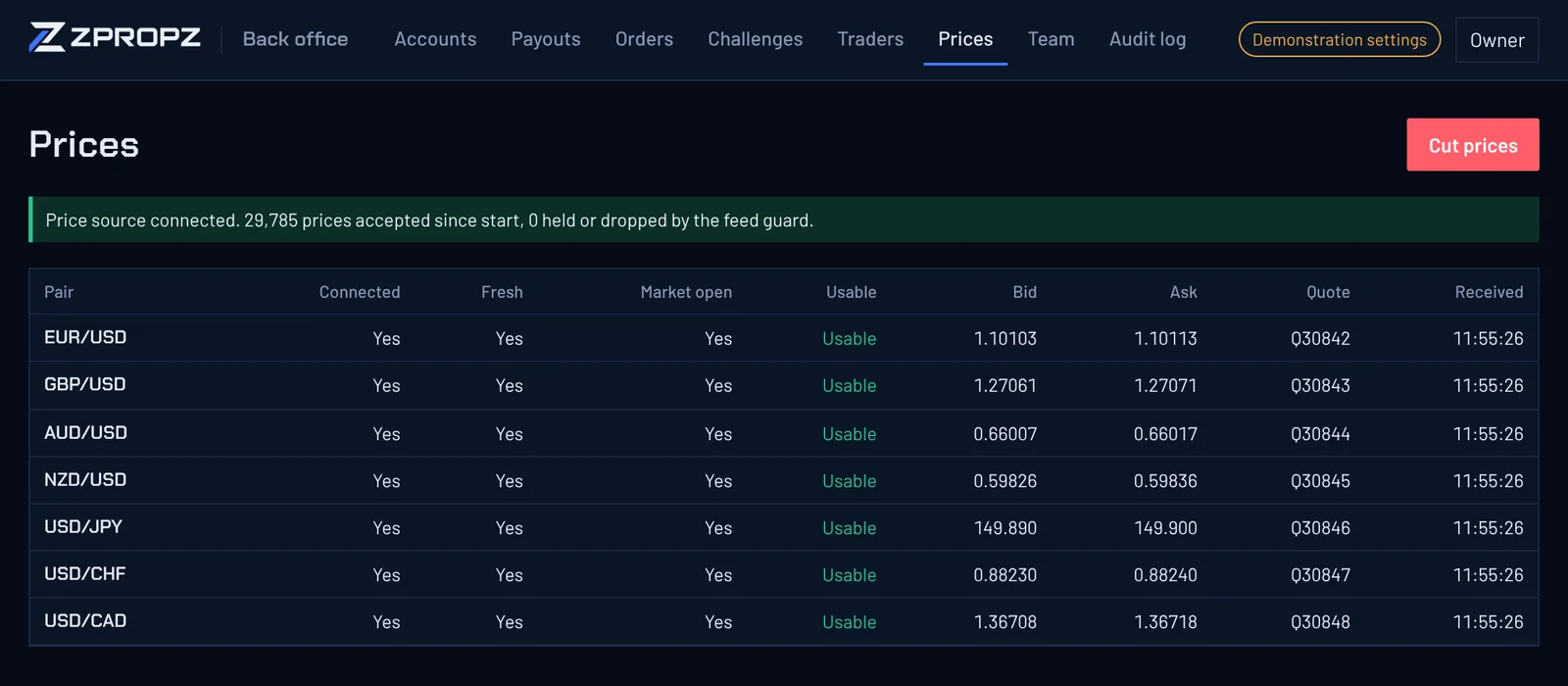
The state of each pair: connected, fresh, market open, usable. A Cut prices drill stops the feed on purpose, so staff can see the platform halt trading and then recover. Both actions go in the audit log.
Its own address, two-factor for everyone
The back office runs on its own host, and the staff API answers only there. Every staff member signs in with a password and an authenticator code. Until the second factor is entered, a staff session can only finish signing in or sign out.