Everything a trader needs outside the chart
The client area is where a trader signs up, picks a challenge, pays, follows each phase, accepts the funded agreement, asks for a payout and shares a certificate. It shares one sign-in with the web trader, and both install from the browser as an app.
From sign-up to payout
What the trader sees, in the order they meet it.
- Sign-up and catalog
A trader opens a login, then picks a challenge and an account size from the catalog. The catalog shows each phase and its rules before anyone pays.
The firm can refuse sign-ups from countries it chooses.
- Identity checks
Where a challenge asks for one, the trader completes an identity check on the identity-check provider's own page. Their documents go to the provider, never to the platform, and the result comes back by signed message.
The checkout says so before the trader pays, and payment waits until the check is approved. Identity checks run in test mode today; live providers are planned.
- Checkout
Card payment and bank transfer. Card payment runs in test mode today, and live payment providers are planned. Staff confirm bank transfers in the back office.
The trader can enter a discount code and add optional extras. Before paying, they see each line: the challenge, each add-on, the discount and the total, all priced by the server.
One payment opens exactly one account, even if a payment provider confirms the same payment twice.
- My accounts
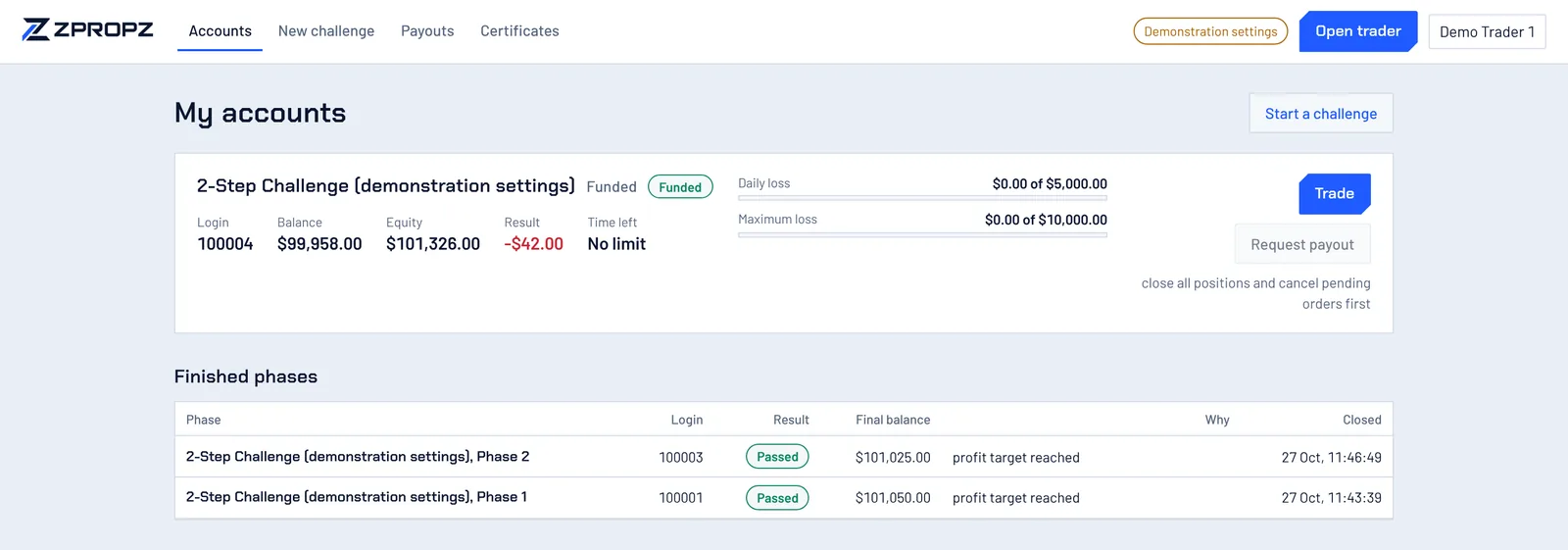
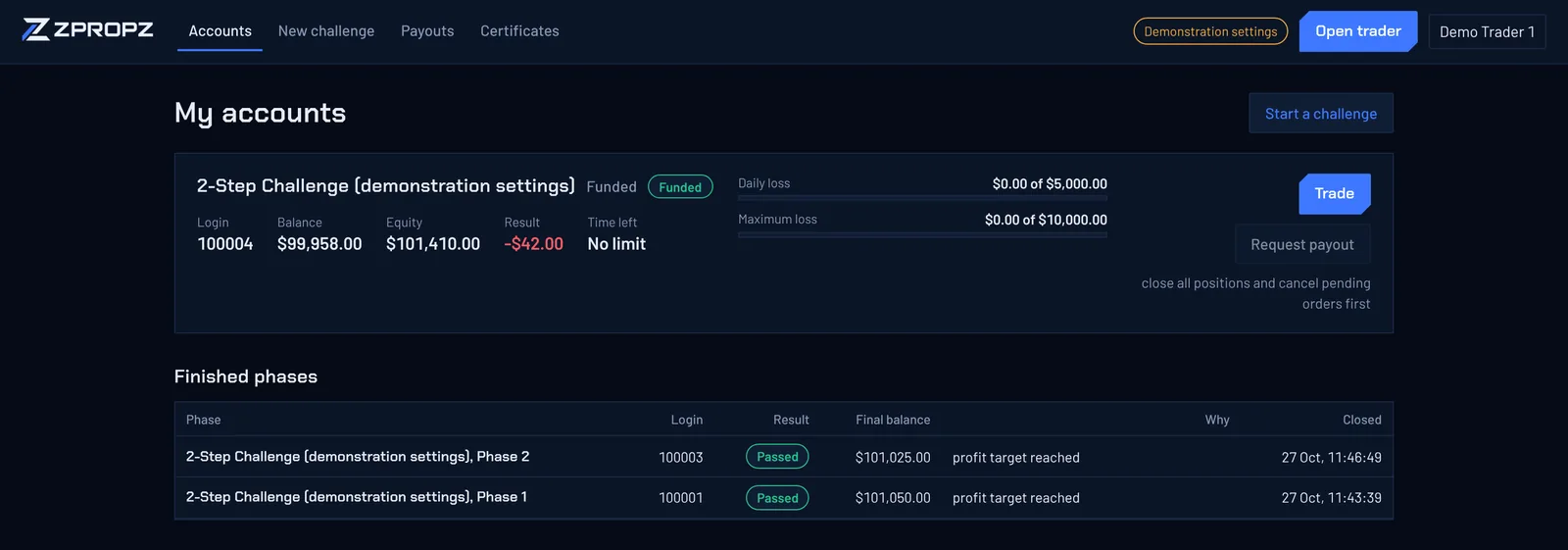
Each account with its stage, balance, equity and time left, and meters for the daily loss, the maximum loss and the profit target. Finished phases stay listed with their result and the reason.
- Funded agreement
Before a funded account opens, the trader reads and accepts the funded agreement. The version they accepted is recorded with the account.
- Payout requests
A trader asks for a payout when the funded account has closed profit and nothing open. Trading pauses and the profit is reserved while staff review it, then resumes once it is paid.
- Certificates
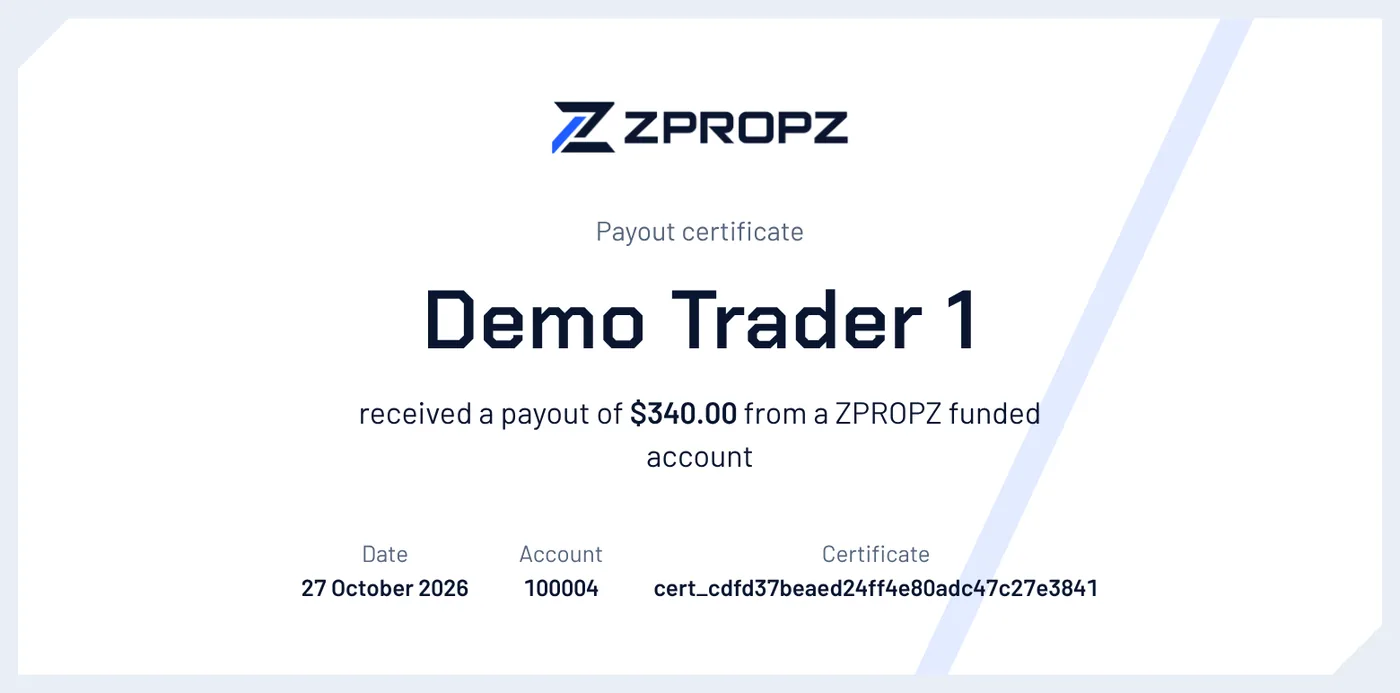
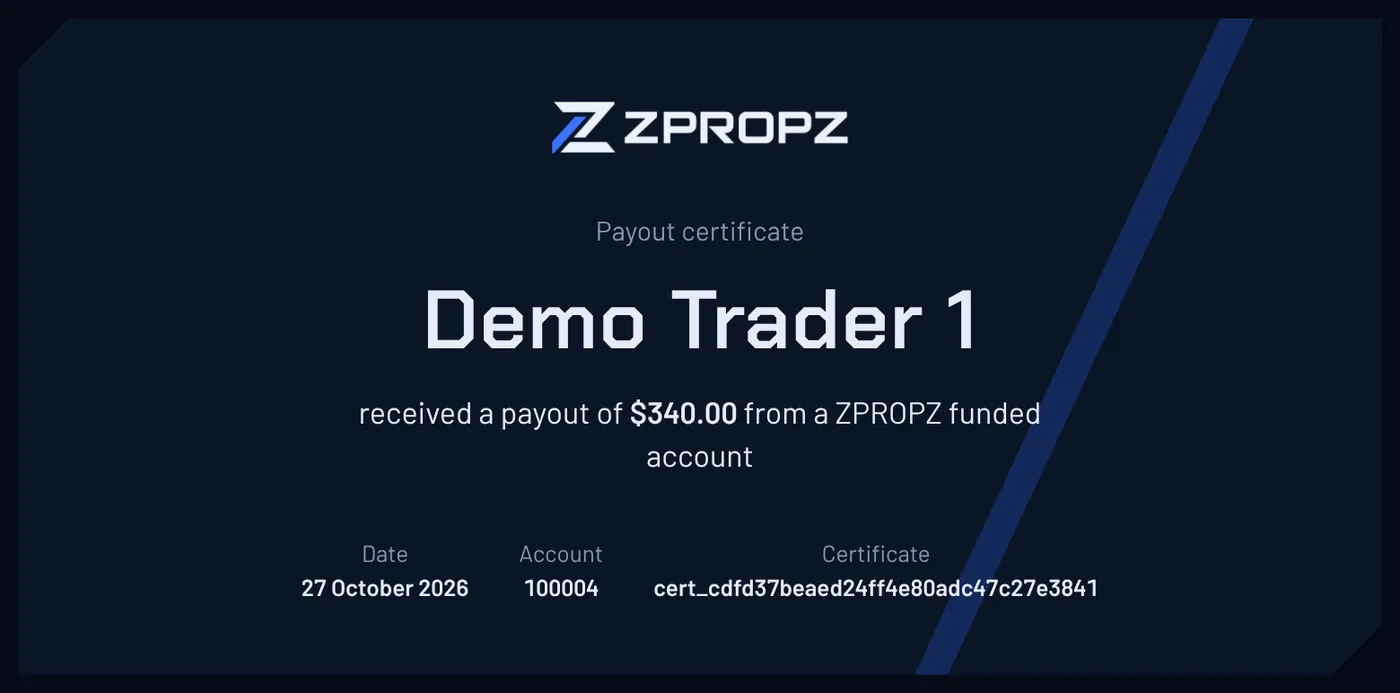
A certificate for each pass and each payout. Each one has its own public link that anyone can open to check it, and it prints or saves as a PDF.
Around the challenge
Emails, sign-in, the app, and the firm's growth tools.
- Emails
Clients get an email when they sign up, when a payment is received, when a phase is passed or ends, when the funded account is ready, when a payout is requested, paid or rejected, when a refund is sent, when an identity check is decided, and when they ask to reset their password.
The firm edits the wording of each email in the back office, or switches it off. Each email is written at the same moment as the change it reports, and sent once.
- Sign-in
Traders can turn on two-factor sign-in with an authenticator app. A forgotten password is reset through a one-time link by email. More on security
- The app
The client area and the web trader install from the browser as an app, on phones and computers, with their own icon. Prices and accounts always come live from the platform, so trading needs a connection.
- Competitions and affiliates
Clients join trading competitions from the client area. A client the firm makes an affiliate gets their own page with their referral link and commissions. More on growth tools
- Copy trading
Where the challenge allows it, a trader can copy trades between their own accounts, or from a strategy another trader has published. More on copy trading
Proof a trader can share
Every pass and every payout issues a certificate with the trader's name, the account and the date. Its link works for anyone, so a trader can share it and anyone can see it is real.